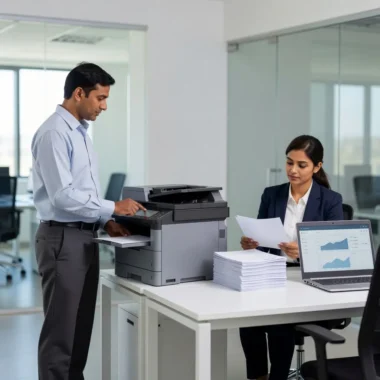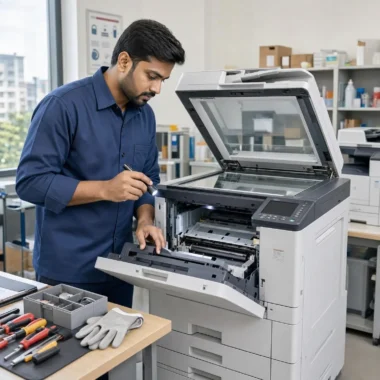
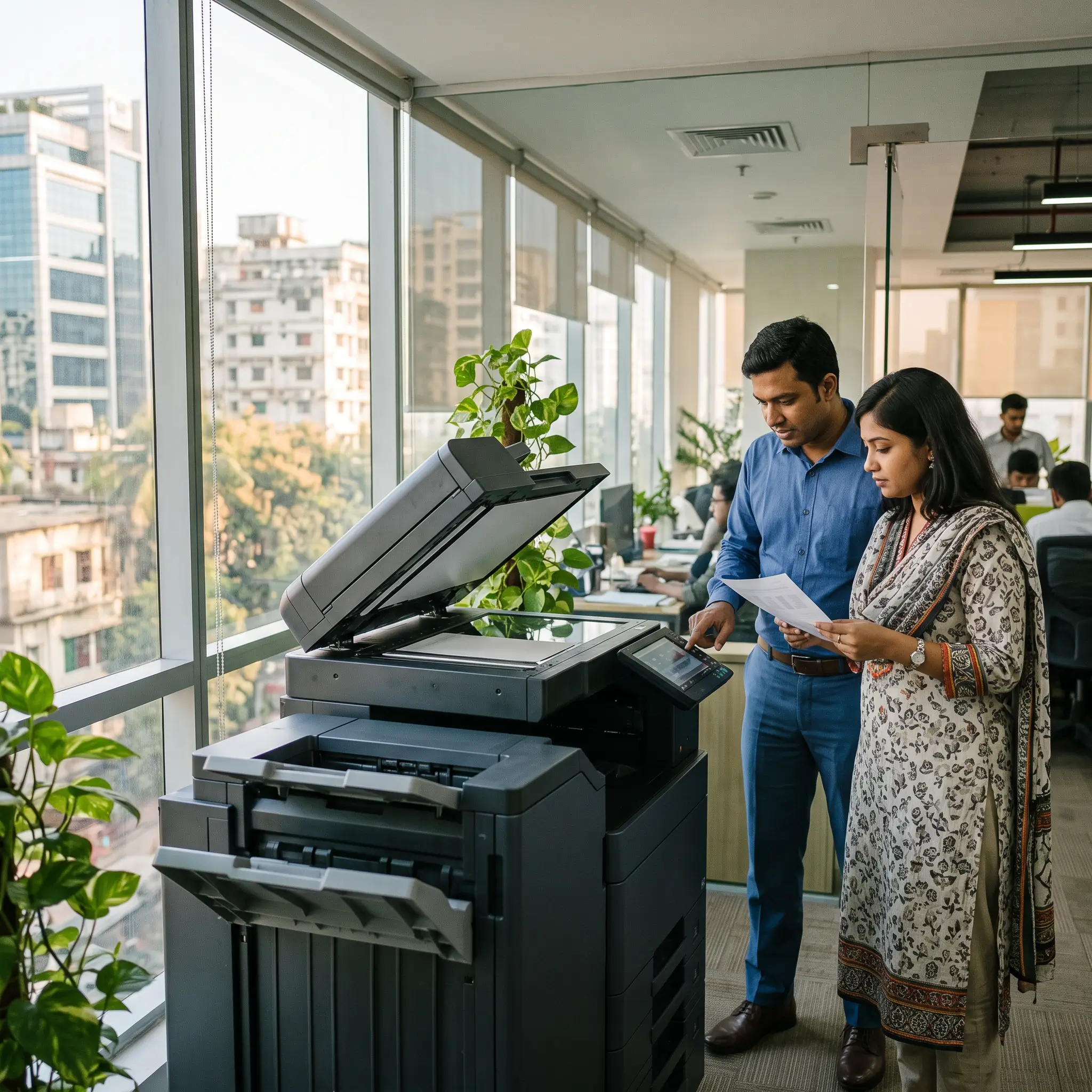
Choosing an office photocopier in Bangladesh involves more than comparing prices. The right machine should suit your team’s workload, handle the documents you produce, and offer a reasonable total cost over time.
Use this guide to compare your options and make a better-informed decision.
1. Estimate your monthly print volume
Start by estimating how many pages your office prints and copies each month. Check existing machine counters or review paper and toner usage if you have them. Also consider busy periods: a copier that handles a quiet month may struggle during a reporting or admissions season.
When comparing models, ask about both their recommended monthly volume and maximum duty cycle. A maximum duty cycle is not necessarily a suitable target for everyday use. Choose a machine designed for your regular workload, with some capacity for occasional peaks.
2. Decide whether you need colour printing
If most of your documents are invoices, forms, reports or internal paperwork, a monochrome copier may be sufficient. If you regularly print presentations, marketing material, charts or colour documents, a colour model could be worth considering.
Colour can affect the cost of each printed page, so think about who needs it and how often. It may also help to set colour printing as an option users select only when required.
3. Compare speed and document-handling features
A copier’s pages-per-minute rating is useful, but it is not the only measure of productivity. Consider how long the device takes to start printing, how it handles two-sided documents, and whether several people will use it at once.
Features to compare include:
- Automatic duplex printing: Prints on both sides of the paper.
- Automatic document feeder (ADF): Processes a stack of pages for copying or scanning.
- Scan functions: Check which destinations and file formats are supported.
- Network connectivity: Useful when multiple employees need access.
- Secure print options: Can help protect confidential documents.
Focus on features your team will use rather than paying for functions you do not need.
4. Check paper sizes and capacity
Most offices use A4 paper, but some need A3 or other sizes for plans, charts, forms or marketing materials. Confirm that the copier supports the paper sizes and types your work requires.
Consider how many paper trays you need, whether employees regularly switch between paper types, and how often someone would need to refill the machine. Always check the manufacturer’s specifications for the paper weight and types supported.
5. Compare the total cost, not just the purchase price
A copier’s long-term cost may include more than the machine itself. Before making a decision, ask about:
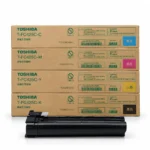
- Toner and other consumables
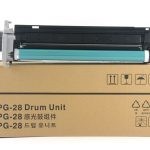
- Drum or maintenance-part replacement
- Service and repair costs
- Electricity use
- Paper use
- Warranty terms
- Any rental, lease or maintenance-plan charges, if applicable
Toner yield figures can vary with document coverage and testing methods. Ask how the quoted yield is calculated and whether any service or consumables are included in the offer.
6. Evaluate refurbished machines carefully
A refurbished copier may suit some budgets, but check its condition before committing. Ask about its service history, counter reading, replaced parts, available warranty and the availability of future support. If possible, test the machine with the paper sizes and tasks your office uses.
For any machine, clarify who to contact if it develops a fault and what support is available.
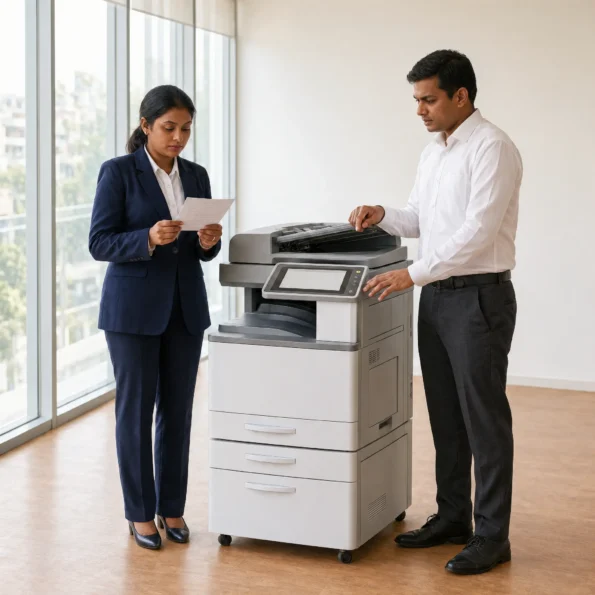
Quick checklist before you choose
- How many pages does our office print each month?
- Do we need colour, A3 or special paper handling?
- Will several people print or scan at once?
- What will toner, maintenance and service cost?
- What warranty or support is included?
- Has the machine been tested for our typical tasks?
The right choice depends on how your office works—not simply on the highest speed or lowest advertised price. Unique Copier Solutions can help you discuss the specifications and options relevant to your needs.
Frequently Asked Questions
What photocopier is suitable for a small office?
It depends on monthly volume, number of users and required features. A small office that mainly prints A4 documents may need a different device from one that scans large batches or produces colour reports.
Is a faster photocopier always better?
Not necessarily. A higher-speed model may be useful for a busy office, but it is important to compare the device’s workload rating, features and running costs as well.
Should I choose a new or refurbished photocopier?
Compare the machine’s condition, service history, warranty, parts availability and total cost. A lower purchase price alone does not tell you how economical the machine will be over time.